In this tutorial, we are going to show how to change the email address of your EchoRivo account.
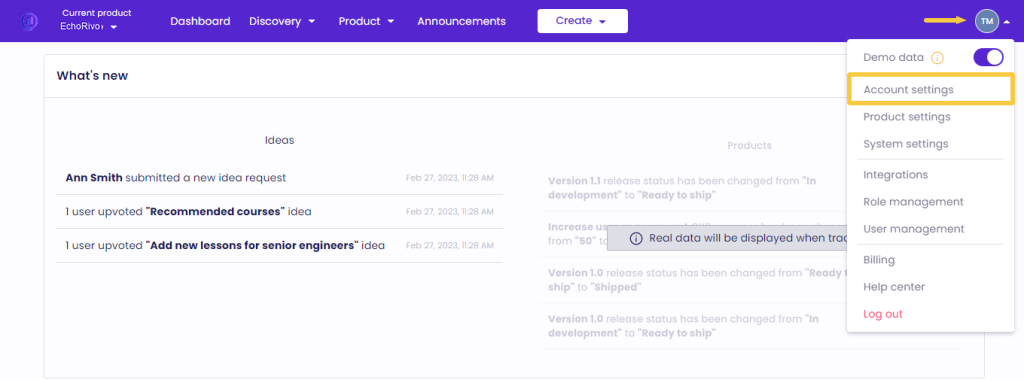
From your EchoRivo Dashboard open the Settings tab and click Account settings.
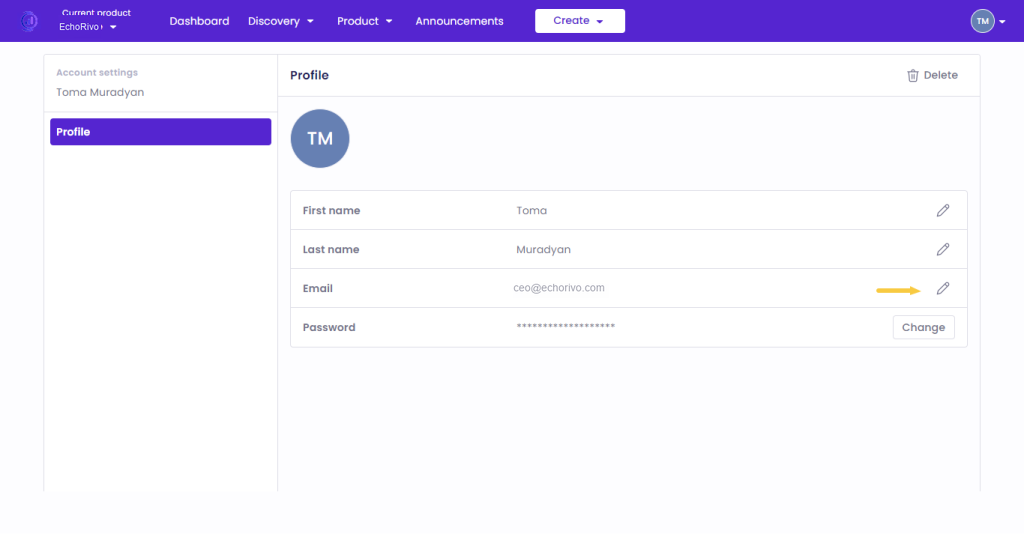
From the Email section click Edit.
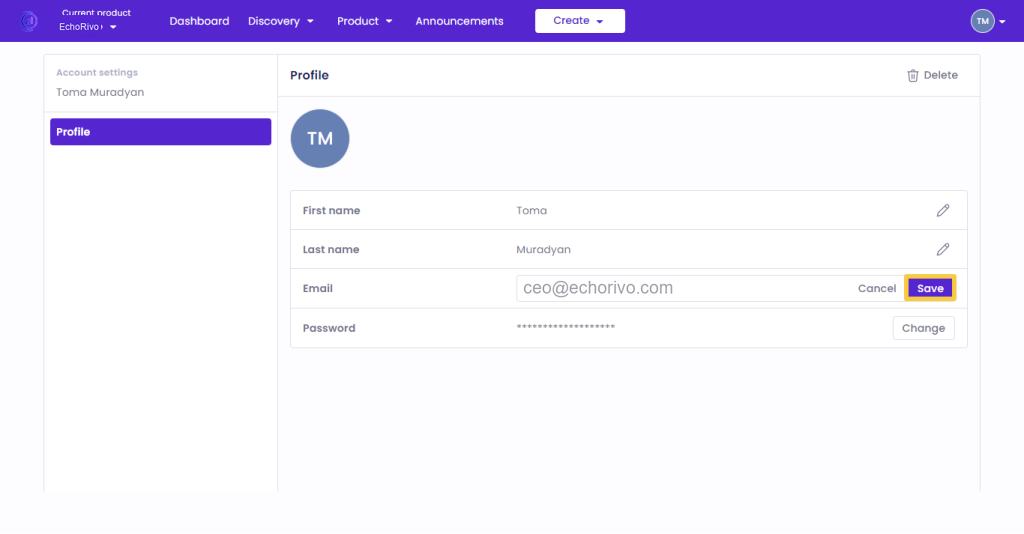
Insert a new email address and click Save.
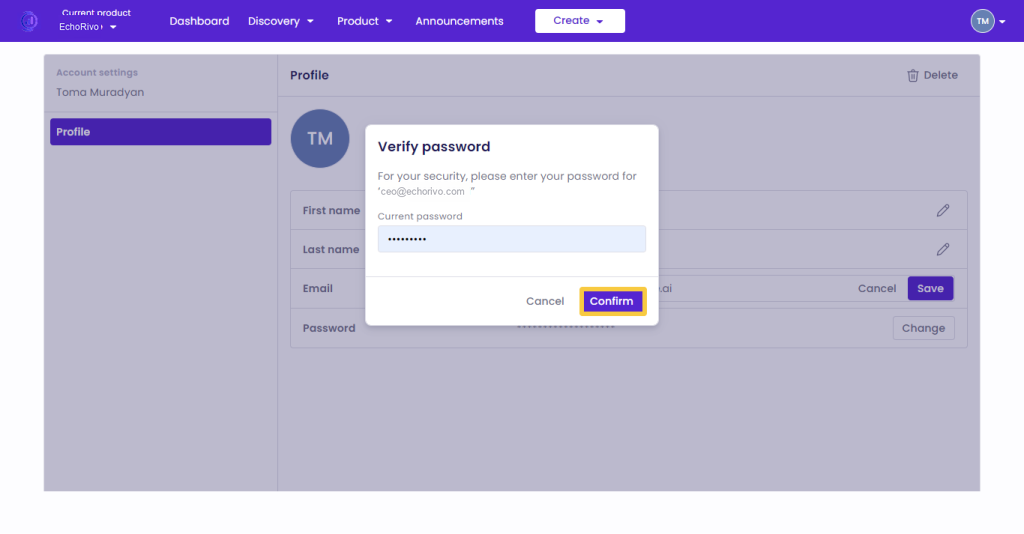
Confirm the change by inserting the password of your EchoRivo account.
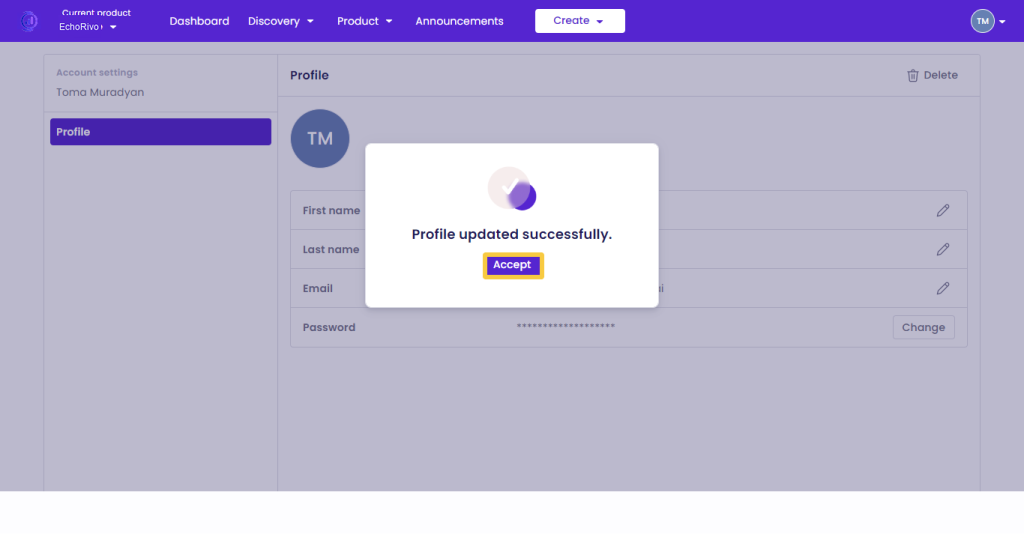
Click Accept to finalize the change.
Use the new email address and password to log in to your EchoRivo account.
That’s it! Now you know how to change the email address of your EchoRivo account.